

Introduction
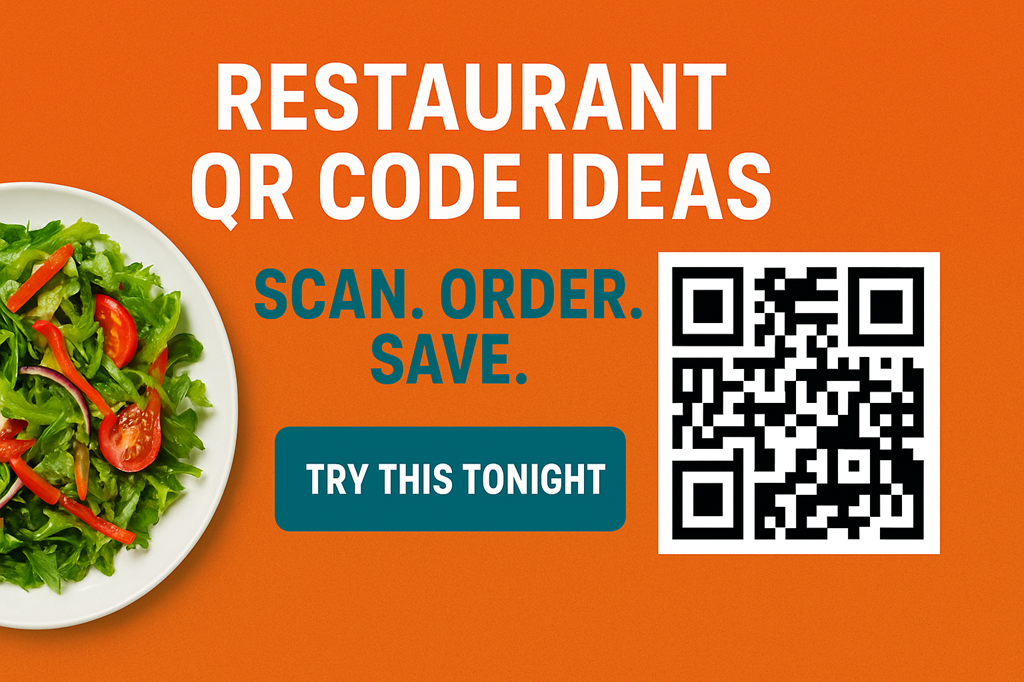
Restaurants now use dynamic QR codes to change menus, trigger offers, and speed ordering. These codes link to live pages that update without reprinting. For busy owners, dynamic codes cut cost and speed service. Below you get practical and viral restaurant QR code ideas that any venue can use to boost sales and delight guests.
Why Dynamic QR Codes Win
First, dynamic QR codes let you edit content instantly. Next, you measure clicks and behavior. Then, you react to demand with new offers. This cycle reduces waste and increases revenue. Also, the codes support campaigns and give precise analytics for each placement.
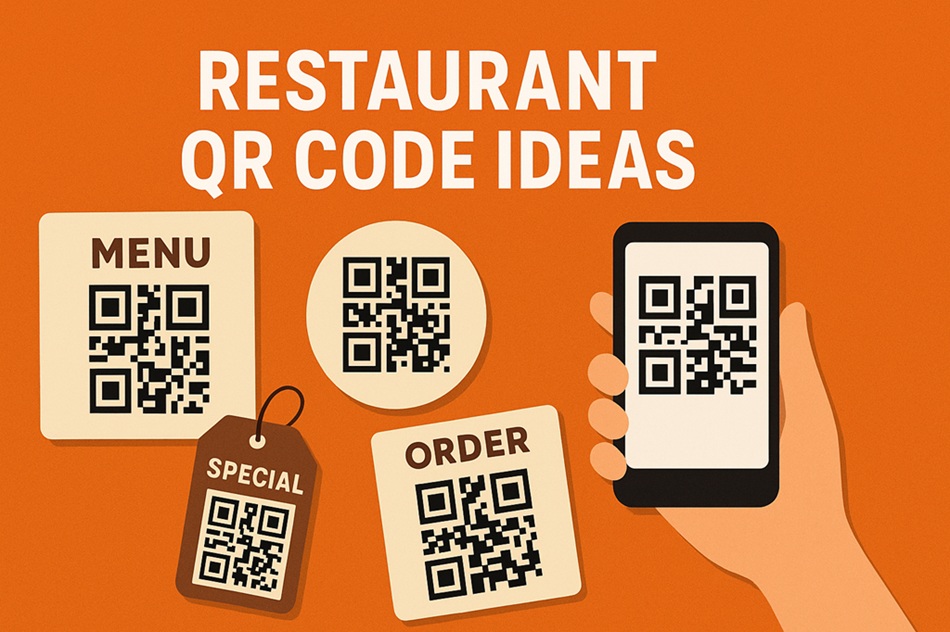
Real-Time Offers & Happy Hour
Create limited-time offers that appear only during slow hours. Use a dynamic QR to show a "Happy Hour 20% off" banner. Promote that code on social and at the door to drive immediate visits and viral shares.
Contactless Ordering Flow
Link QR codes to an ordering flow that captures table number and preferences. Then notify the kitchen and accept mobile payments. This streamlines service and shortens table turns while keeping guests safe and happy.
Smart Upsell & Cross-sell
After a guest scans, show complementary items or add-ons based on the page they view. For example, show 'Add fries' after a burger. Upsell menus increase average order value and improve guest satisfaction when suggested wisely.
Loyalty & Repeat Visits
Use dynamic QR codes to enroll guests in loyalty programs. Offer a free drink after three scans or visits. A simple QR-driven loyalty flows builds repeat customers and collects first-party data ethically.
Built-in Analytics
Track which tables, pages, or promotions get the most scans. Use that data to optimize placement and offers. Analytics also show peak scan times so you staff smarter and reduce wait times.
Personalization Tricks
Display personalized greetings or recommended items if a guest opts in. Combine visit history with current menu to show relevant choices. Personalization lifts conversion and makes the dining moment feel special.
Kitchen & Ops Sync
Push orders directly to kitchen displays or printers. When scans trigger orders, the kitchen sees items in near real-time. This sync reduces mistakes and improves throughput for peak service times.
Table Print & Design Tips
Make QR codes visible and branded. Add short instructions like “Scan to view menu.” Provide contrast and leave space for phones. A neat code increases scans and reduces confusion.
Where to Place QR Codes
Place codes on tables, windows, receipts, staff badges, and social posts. Use different dynamic codes per placement to know which location drives scans and sales.
Security & Trust
Show a branded landing page after scan to build trust. Use HTTPS and avoid redirect chains. Also, display privacy details when you collect data to stay compliant.
Costs & ROI
Dynamic QR services cost little and cut printing expenses. Track revenue per scan to measure ROI. Often a few campaigns pay for the service in weeks through upsell and higher table turns.
Local SEO Boosts
Use QR landing pages that link back to your main site and menu page. These pages can improve local search signals and help hungry locals find you faster.
Tools & Builders
Pick a QR provider that supports dynamic redirects, analytics, and API access. These features let you integrate codes into POS, CRM, and marketing systems.
Staff Workflow
Train staff to explain QR benefits and to help guests scan. Staff become QR champions by demonstrating simple steps and offering printed menus on request.
Measuring Success
Track scans, conversion rate (scan → order), revenue per scan, and repeat scans per user. Use these KPIs to refine placement, offers, and content.
Common Pitfalls
Do not overload the landing page. Keep navigation simple and optimize for mobile. Also avoid long redirect chains and stale content that frustrates guests.
Quick Implementation Checklist
Generate dynamic code, design landing page, test on phones, add tracking, print codes, train staff, run a pilot, then iterate.
Conclusion
Dynamic QR codes unlock creative and viral ways to serve guests. Use restaurant QR code ideas to run live offers, improve operations, and build loyalty. Start small, measure, and expand the ideas that drive real revenue.
Frequently Asked Questions
Q1: Can guests refuse QR scanning?
Yes. Always offer a printed menu for those who prefer it.
Q2: How do I track which table scanned?
Generate a unique dynamic QR per table or add table ID to the QR landing URL.
Q3: Do QR codes work offline?
QR codes require network access for dynamic content. Provide basic offline fallback info if needed.
Q4: How fast can we launch?
You can launch a pilot in days using a dynamic QR provider and a simple mobile landing page.
Q5: Will QR scanning reduce tipping?
Not if you keep service visible. Use QR to speed ordering, not to replace human contact where it matters.